

When PDF forms start piling up, the real problem usually is not the form itself, it is the endless copying, pasting, and checking that comes with it.
ActiveMerge is built to cut out that work. Instead of filling the same details by hand over and over, you can map your data once, generate the finished files, and move on.
Fill PDF forms automatically
ActiveMerge handles document generation for contracts, certificates, NDAs, and other forms that follow a repeatable structure.
The process is simple: bring in a PDF form, connect it to your data, and let the system fill the fields automatically.
A free tool on the ActiveMerge website can help create fillable PDF forms online without an account. That makes it easy to start with a clean form before moving into automation.
Once the form is ready, the workflow becomes straightforward.
A fast workflow
The process comes down to a few steps:
- Start a new job in the ActiveMerge dashboard.
- Load your sample data.
- Upload the PDF form.
- Map the fields, such as employee name, room number, and company name.
- Review and generate the output.
After that, the form is filled and ready to use. You can download the generated files as a ZIP archive or save them directly into the built-in file manager.
That matters because it replaces repetitive manual entry with a repeatable system. Instead of opening each form and typing the same information again and again, you generate the document once and keep moving.
More than just a filled form
ActiveMerge does not stop at autofill. Once the document is generated, you can download it, send it for signing, share it with permissions, or rename it inside the app.
That makes it easier to handle the full lifecycle of a document instead of treating form filling as a separate task.
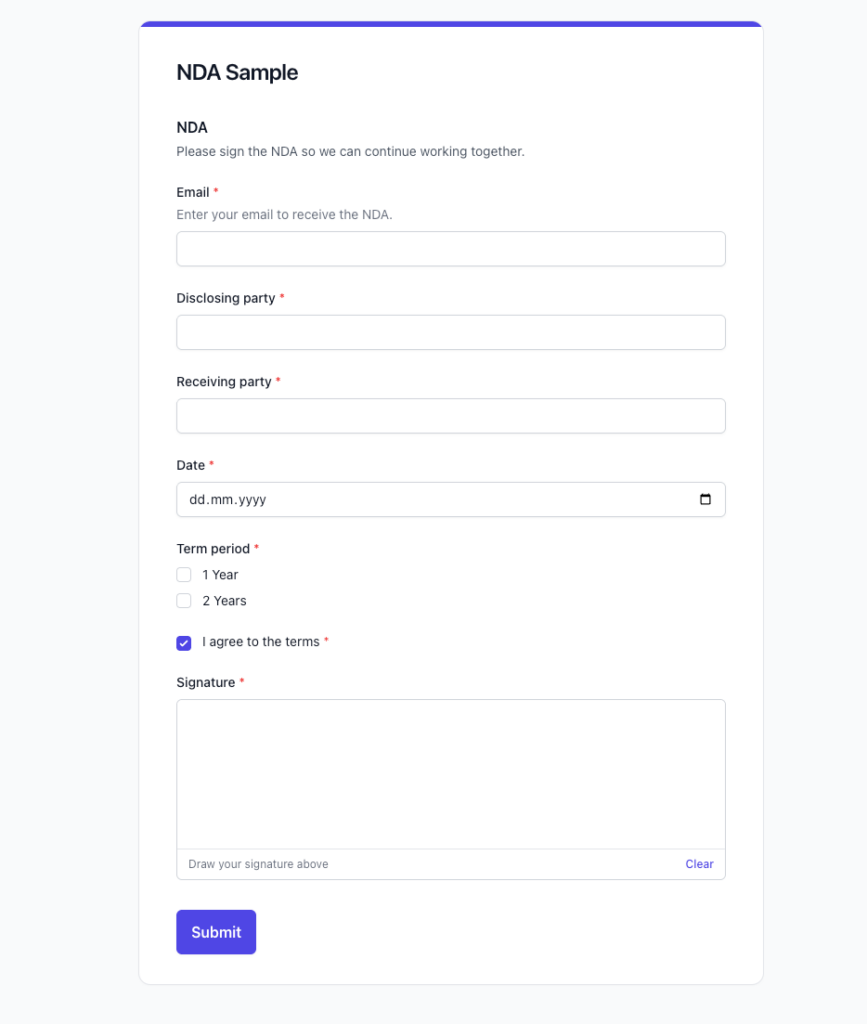
There is also another option: convert a PDF form into a web form. When you import the form, the app can recognize the fields and turn it into a form you can use to collect answers directly.
From there, the document can be generated automatically, and signatures can transfer into the final file as well.
Why this matters
The value here is speed and consistency. If you already have a PDF form and the data to fill it, you can turn what used to be a manual task into a repeatable process in just a few clicks. That is useful for teams that handle onboarding, agreements, or any document that needs the same information every time.
ActiveMerge is free to test for 25 documents, and the paid plans include signatures, web forms, and document automation tools.
FAQ
What kind of documents can ActiveMerge handle?
Contracts, certificates, NDAs, and other forms that need repeated data entry.
Do I need an account to create fillable PDF forms?
No. The free form tool on the website works without an account.
Can I collect signatures too?
Yes. Signatures can be added and carried into the generated document.
Can I turn a PDF form into a web form?
Yes. You can import the PDF and use it as a web form for collecting answers automatically.
Is there a free trial?
Yes. ActiveMerge is free to test for 25 documents.

