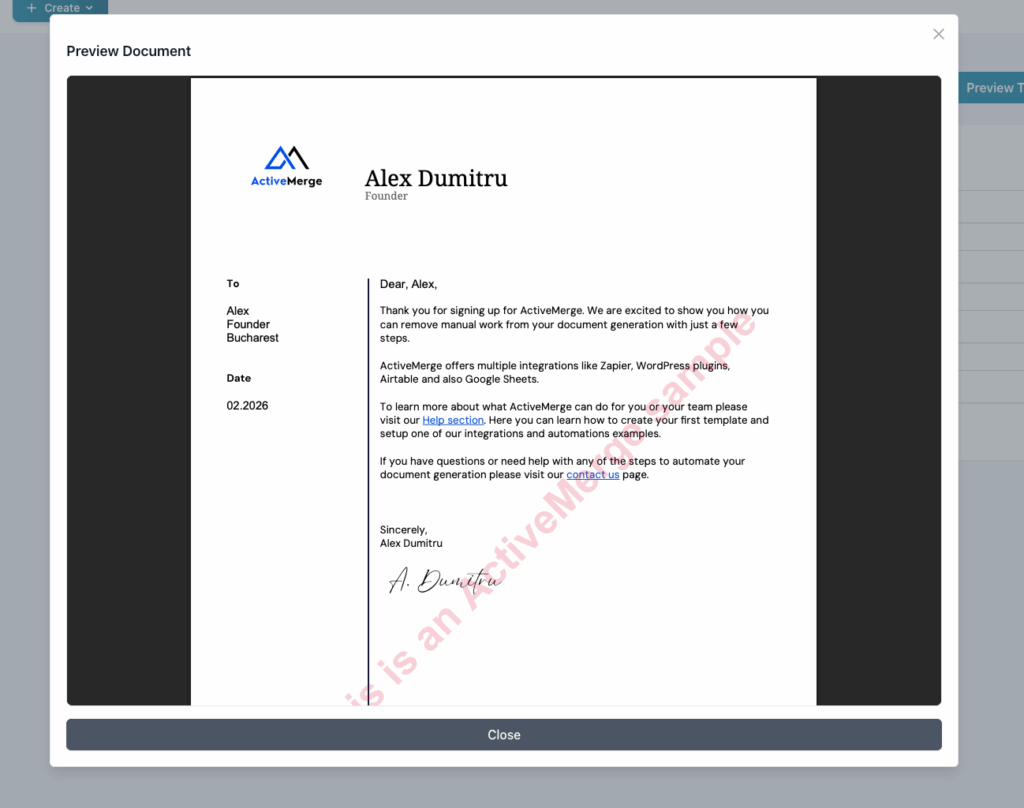
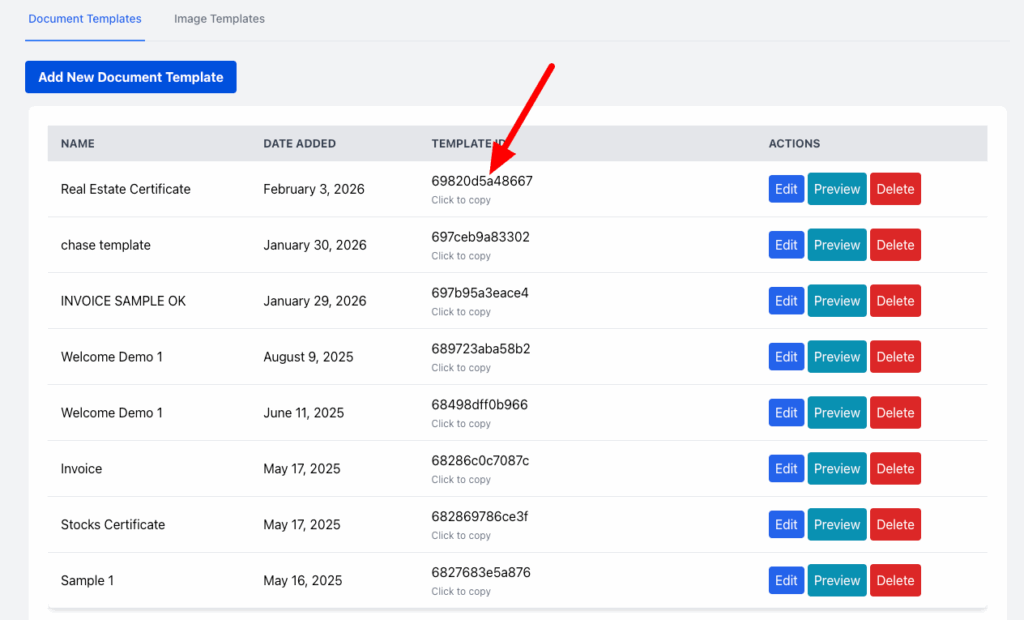
You can test it with sample data and can generate as many previews as need. Once your template is saved copy the template ID.
Generate an API Key
Go to the API key dashboard and click the generate button, copy the API key – click and it will be copied.
Install the ActiveMerge Document Generator Extension in Airtable
The Document Generator extension from Airtable Marketplace is very simple to use.
Add your template ID and API key in the settings tab.
Start Generating Documents
Select your base and map the fields to the placeholders of your template. Select your options if you want to insert the documents as files or save as links in one of the columns and generate the documents and format PDF, WORD, PPTX.
The links or files will be automatically added to the selected column.
Merge multiple files from Airtable into one document
With ActiveMerge now you can merge multiple files in attachment fields in your Airtable base and create one document, ex. merge invoice, approval, supporting documents into a single file in the order you want.