Free Certificate of Achievement PowerPoint Template
Recognizing hard work and dedication deserves more than just a verbal pat on the back. Whether you’re a teacher celebrating student success, a corporate trainer wrapping up a professional development course, or an event organizer honoring top performers, a beautifully designed certificate makes the moment truly memorable. That’s why we’re excited to offer this Free Certificate of Achievement PowerPoint Template — a polished, professional, and fully customizable design ready to use in minutes.
What’s Included in the Template
This free template comes packed with everything you need to create stunning certificates without any graphic design experience. Inside, you’ll find:
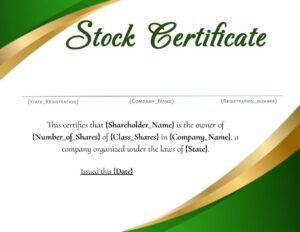
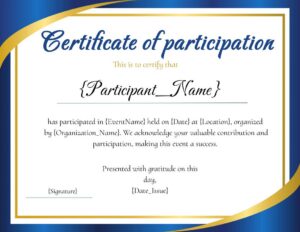
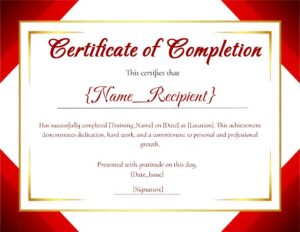
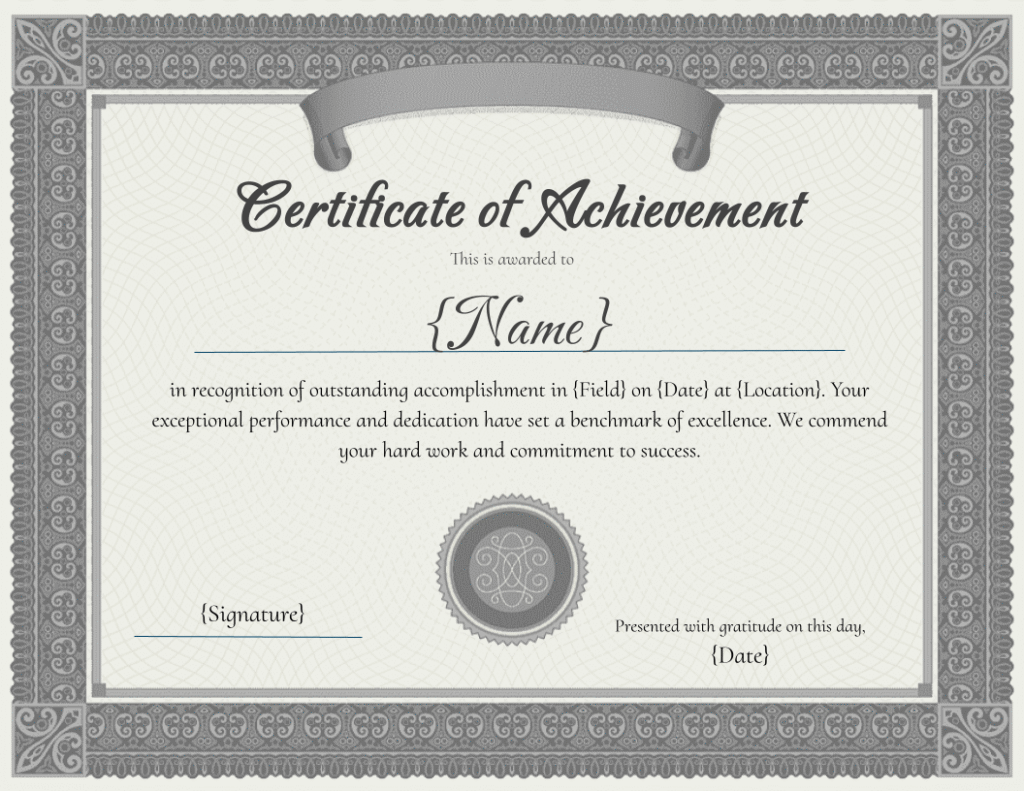
- A clean, elegant layout with decorative borders and professional typography
- Fully editable text fields for recipient name, award title, date, and signatures
- Placeholder sections for your organization’s logo and official seal
- Multiple color scheme options to match your brand or event theme
- Print-ready formatting in standard landscape orientation
All elements are built directly within PowerPoint, so there’s no need for additional software or plugins.
Why Use a PowerPoint Certificate Template?
PowerPoint is one of the most widely used tools in schools, businesses, and organizations around the world. Using a PowerPoint-based certificate template means:
- No learning curve — if you can type and click, you can customize it
- Easy sharing — send it digitally as a PDF or print it at home or at a copy center
- Complete flexibility — adjust fonts, colors, and layout to suit any occasion
- Cost-effective — professional results without hiring a designer
It’s the perfect solution for anyone who needs a high-quality certificate quickly and efficiently.
Perfect for Every Occasion
This template is versatile enough to work across a wide variety of settings and events, including:
- Academic achievements — honor roll, graduation, spelling bees, and science fairs
- Corporate training — course completion, employee of the month, and leadership programs
- Sports and competitions — tournament winners, MVP awards, and participation recognition
- Workshops and seminars — professional development and skill certification
- Volunteer programs — community service and nonprofit recognition
Simply swap out the text and logo, and your certificate is ready to go.
How to Customize the Template
Getting started is incredibly simple. Follow these easy steps:
- Download the free PowerPoint file using the link below
- Open it in Microsoft PowerPoint (compatible with PowerPoint 2010 and later, as well as Google Slides)
- Click on any text field and replace the placeholder text with your details
- Insert your logo or seal by using the Insert > Image option
- Choose your preferred color theme by editing the shape and background fill colors
- Save as a PDF for the best print quality, or keep it as a PPTX to edit later
The whole process takes less than five minutes from download to a finished, print-ready certificate.
Tips for a Professional Finish
Want to take your certificate to the next level? Keep these quick tips in mind:
- Use high-quality paper — a heavier cardstock (80 lb or higher) makes a big difference in how professional the finished product looks and feels
- Choose a consistent font pairing — stick to one elegant serif font for headings and a clean sans-serif for body text
- Add a real signature — scan a handwritten signature and insert it as an image for an authentic personal touch
- Consider a gold or silver seal sticker — these are inexpensive and add a premium ceremonial feel
Download Your Free Template Today
Stop settling for plain, generic certificates and start recognizing achievement the right way. This Free Certificate of Achievement PowerPoint Template gives you everything you need to create something truly special — without spending a dime.
Click the download button below to grab your free copy and start celebrating the people who deserve it most. If you find the template helpful, feel free to share it with colleagues, educators, or anyone else who could put it to good use.
Want to automate this instead of filling it in by hand? See our Certificate of Achievement automation guide.
How Document Automation Works