If you have a WordPress website you can generate documents in PDF, Word, or Powerpoint from form submissions.
Generate certificates, agreements, contracts, badges, letters, or any other document you want.
Why use ActiveMerge to generate documents instead of another plugin?
PDF generation is an intensive process that requires CPU and memory. Most PDF generation plugins will not work in all hosting enviroments, this means higher costs or hosting upgrades.
With ActiveMerge you only send data to our app and we handle the document generation, your website is afe, it doesn’t add load and you keep it fast while the PDFs or documents are created.
Security-wise, using ActiveMerge is safer, we scan and update our app every week, plugins are updated way less often and can add security headaches to your WordPress website.
Generate Documents from WordPress Forms
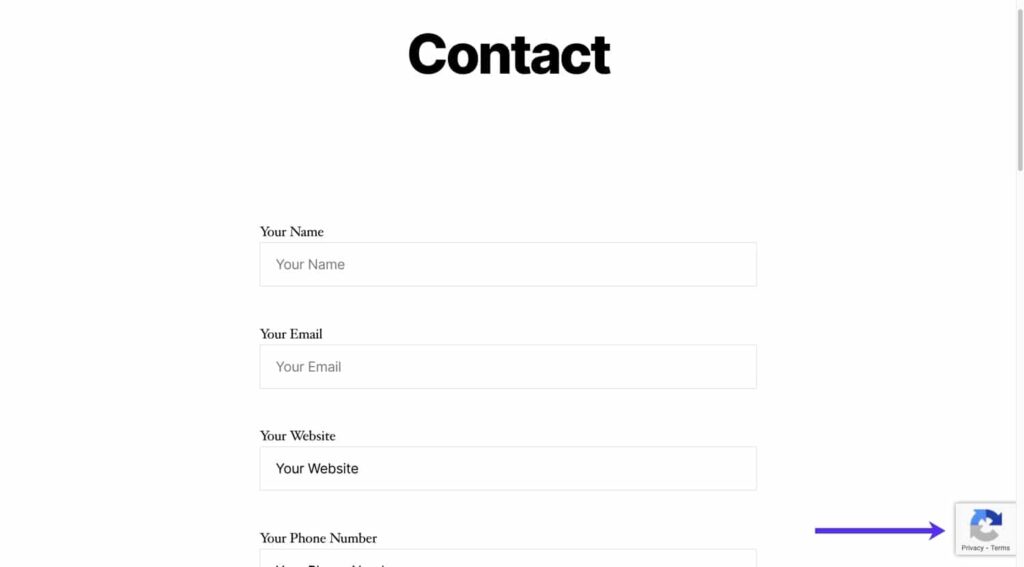
Using forms plugins like Contact Form 7 or GravityForms with our dedicated integrations you can generate documents in minutes.
All you need is an ActiveMerge API key plus our our plugins add-ons.
How it works
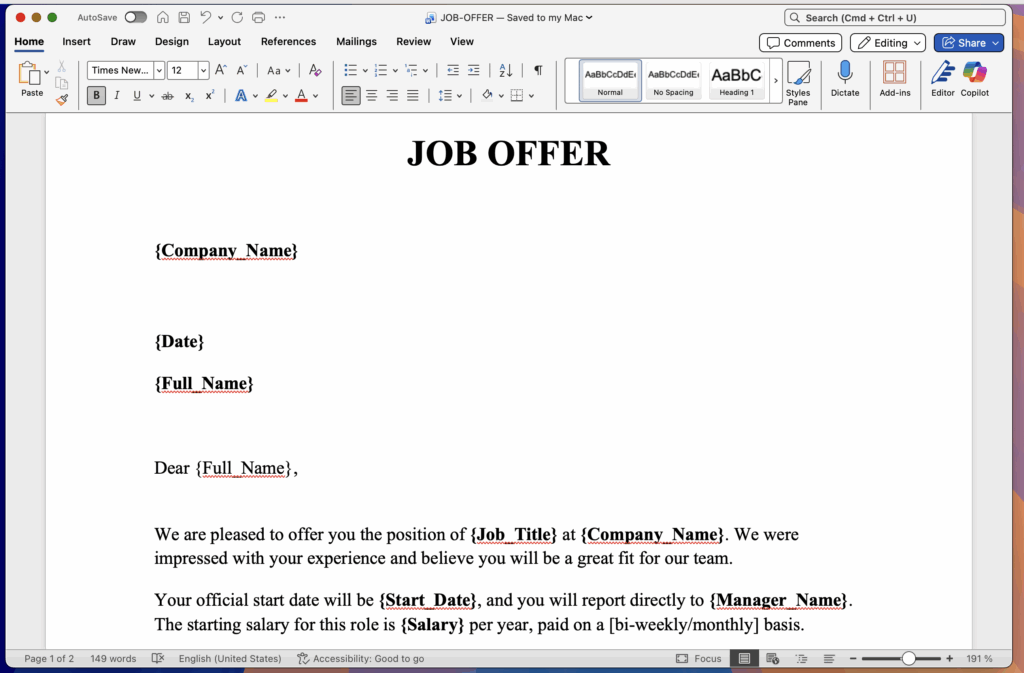
Create your templates in Word, PPTX or even images and add them to.
Setup your plugin
See how to setup an integration using one of the guides below.
Currently you can generate documents automatically from Contact Form 7 forms and Gravity Forms.
Generate Documents from Contact Form 7 forms

Generate PDF, Word, or PowerPoint documents from your Contact Form 7 submissions.
See our integration.
ActiveMerge Contact Form 7 Integration
Generate Documents from Gravity Forms

Generate PDF, Word or Powerpoint documents from your Gravity Forms submissions. See our integration:
ActiveMerge Gravity Forms Integration.
More integrations and options are coming soon. Please contact us if you need one and we will build it.